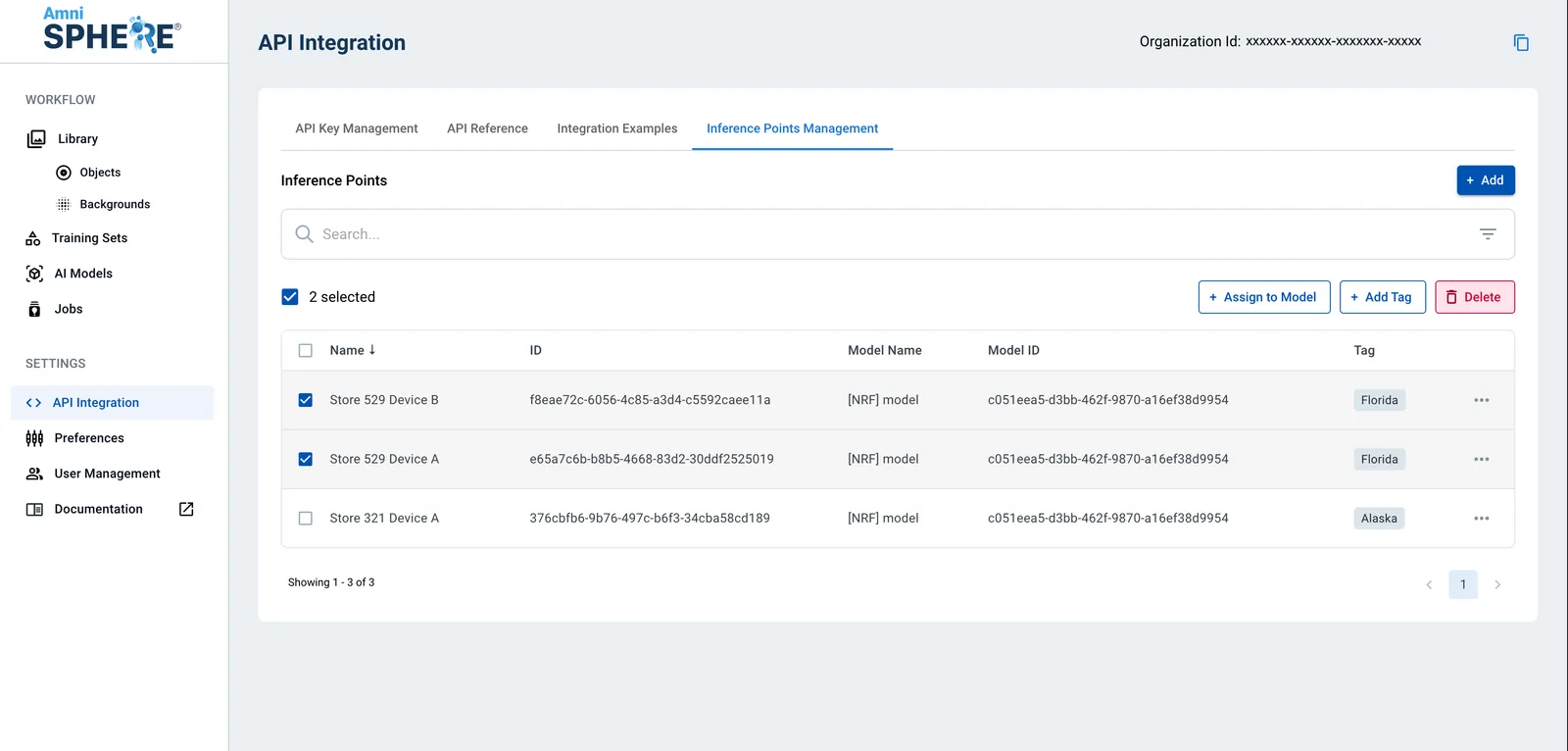
How to Edit or Delete an Inference Point on AmniSphere Web
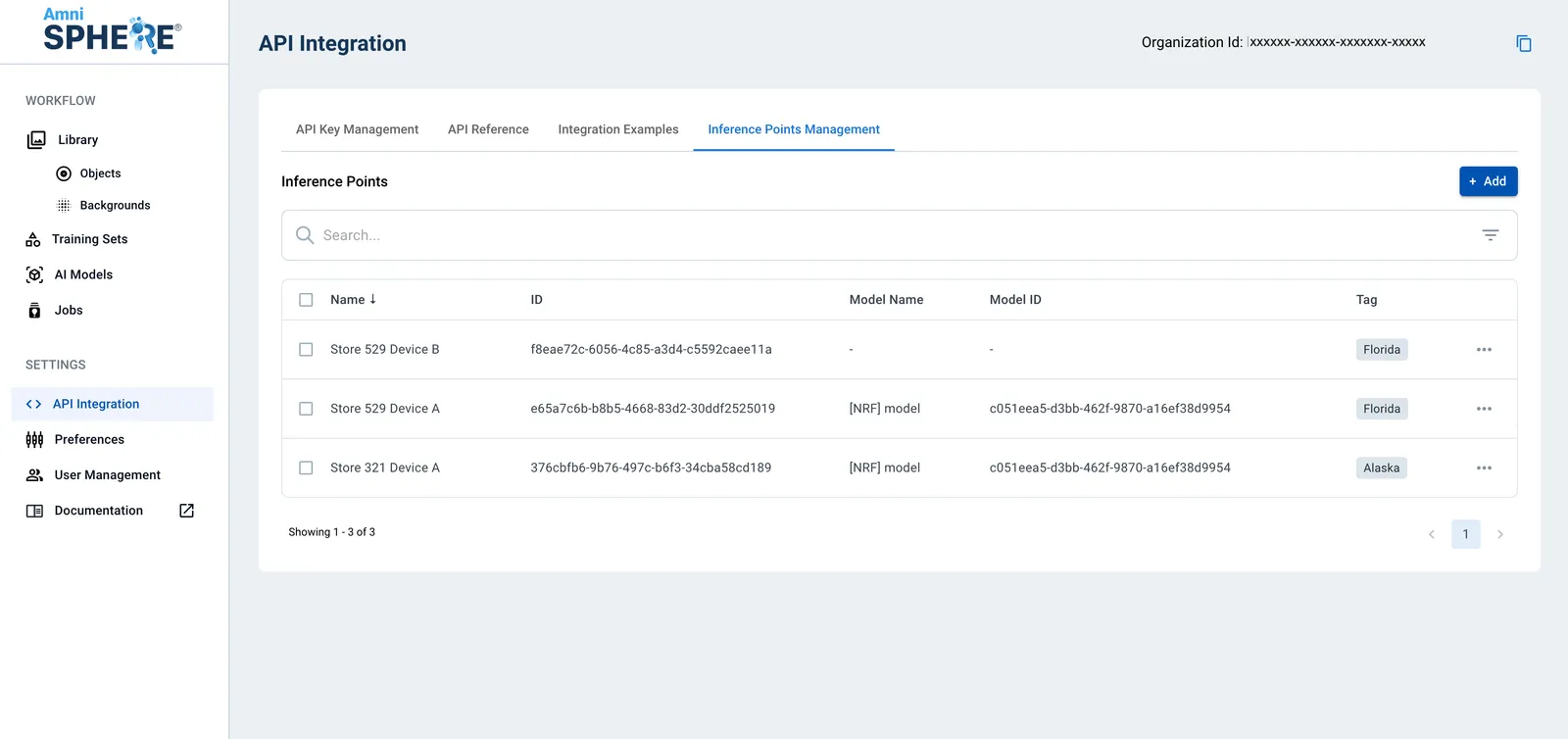
Navigate to the Inference Point Management Tab
After logging in using your Amniscient credentials, navigate to the API Integration tab. The Inference Point Management sub-tab is where you can generate and manage inference points for your organization.
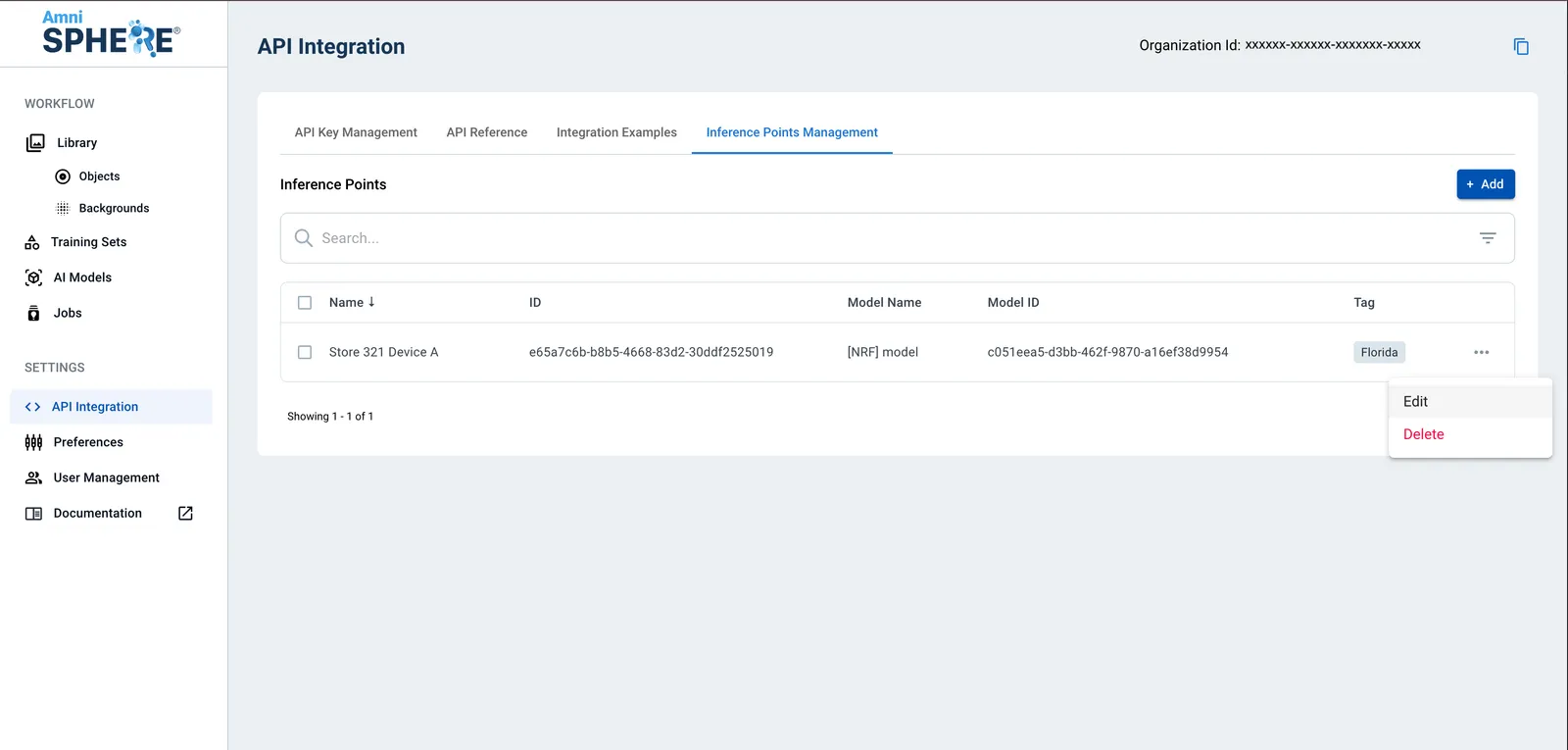
Edit Inference Point
On an inference point you’d like to edit, click on the 3 dots to view additional options. Click on the “Edit” button.
Update Inference Point
A sidebar will appear with the ability to edit the inference point name, the inference point tag, and the associated AI model. To save your changes, click on the “Save Changes” button.
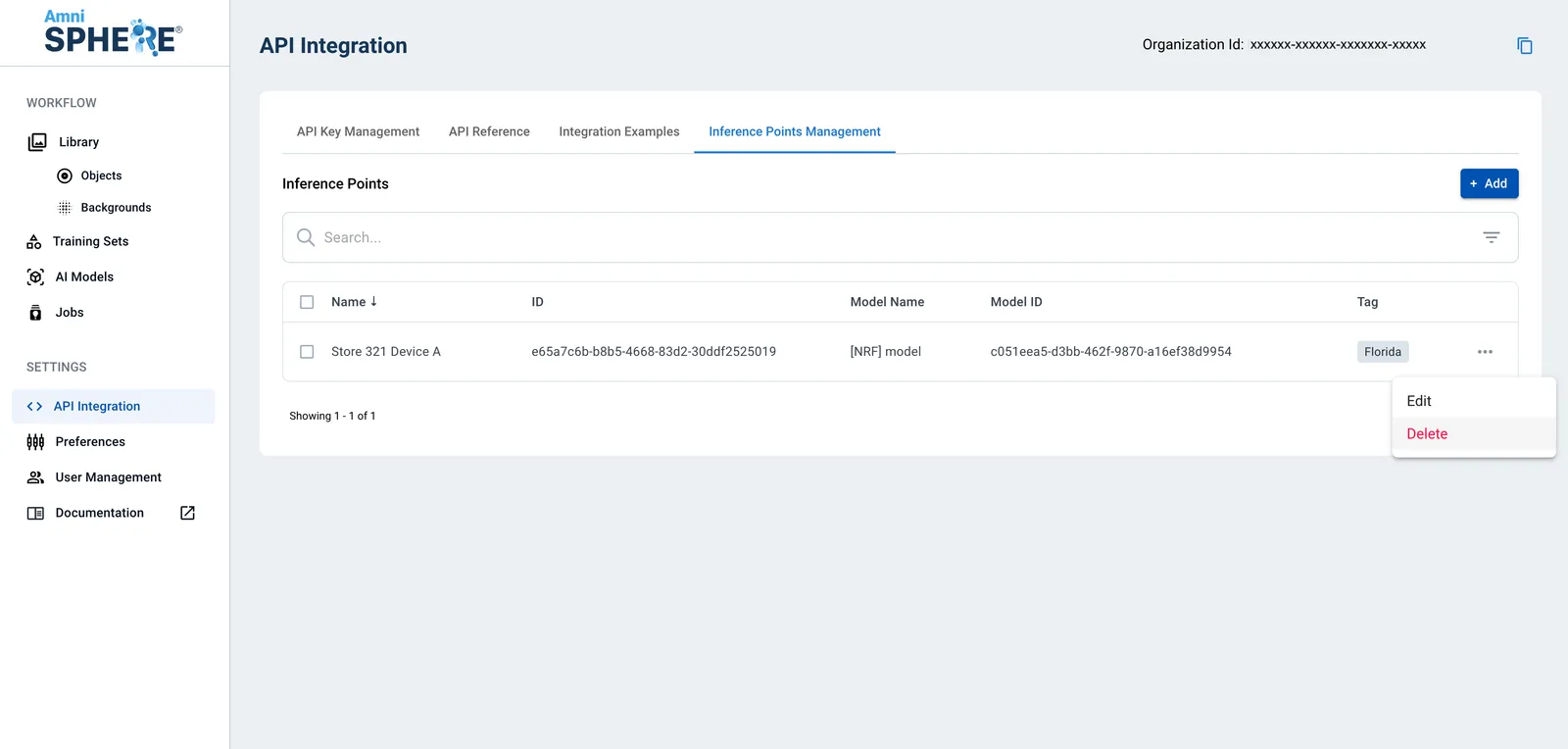
Delete Inference Point
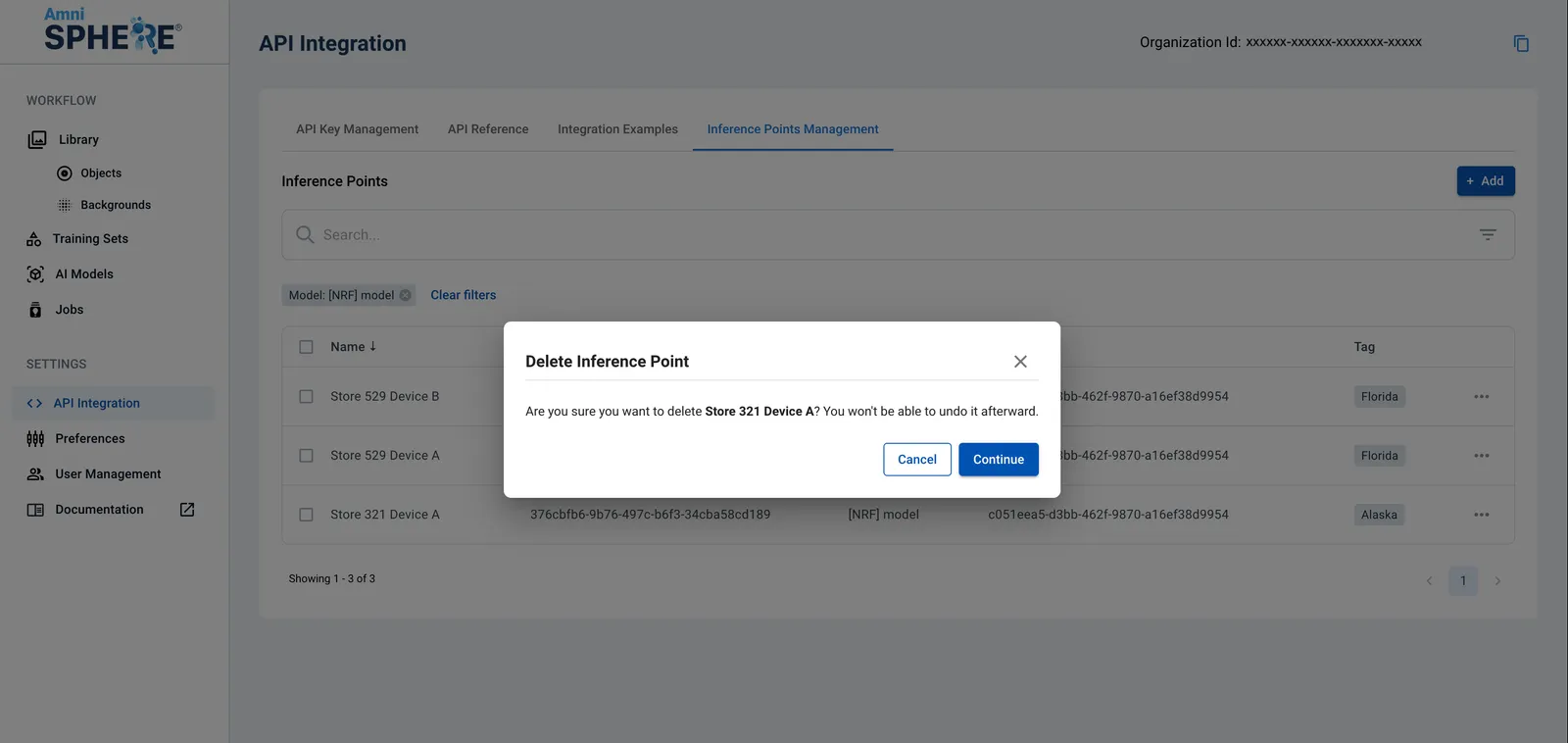
If you’d like to delete an inference point, click on the 3 dots to view additional options. Click on the “Delete” button.
A popup will appear to confirm that you’d like to delete the inference point. Your inference point will be permanently deleted immediately upon clicking “Continue”, and will no longer be available on the AmniSphere web platform. Any active integrations using this inference point will need to be updated to prevent failed API responses.
You can also choose to delete multiple inference points at once by selecting them and clicking on the “Delete” button.