Roles & Permissions
There are 3 user roles that exist within the AmniSphere platform:
- Admin
- Data Manager
- Mobile Collector
The Admin Role
Admins have the highest permission level within the platform. The Admin role is recommended for a technical superuser within your organization that will be integrating AmniSphere to external systems. Admins can:
- Access both the AmniSphere web platform and iOS app
- Create, delete, and edit users with any role type
- Create, delete, archive, collect, uncollect, and edit objects
- Create, delete, and edit training sets
- Train and delete AI models
- Create, delete, and rename API keys
- Create, delete, and edit inference points
- Test inference via the iOS UI
The Data Manager Role
Data Managers have slightly restricted permissions within the AmniSphere web platform. The Data Manager role is recommended for a user whose primary responsibility is reviewing the quality of data within AmniSphere and building AI models. Data Managers can:
- Access both the AmniSphere web platform and iOS app
- Create users with the Data Manager or Mobile Collector role
- Create, delete, archive, collect, uncollect, and edit objects
- Create, delete, and edit training sets
- Train and delete AI models
- View API keys
- View inference points
- Test inference via the iOS UI
Data Managers cannot:
- Create users with the Admin role
- Edit or delete users
- Create or rename API keys
- Create, delete, or edit inference points
The Mobile Collector Role
Mobile Collectors have the most restricted permission level within the platform. The Mobile Collector role is recommended for a user whose primary responsibility is collecting accurate and high-quality visual information about an existing object. Mobile Collectors can:
- Access the iOS app
- View, collect, and uncollect objects
- Test inference via the iOS UI
Mobile Collectors cannot:
- Access any core functionality on the AmniSphere web platform
- Create, delete, and edit users with any role type
- Create, delete, archive, and edit objects
- Create, delete, and edit training sets
- Train and delete AI models
- Create, delete, and rename API keys
- Create, delete, and edit inference points
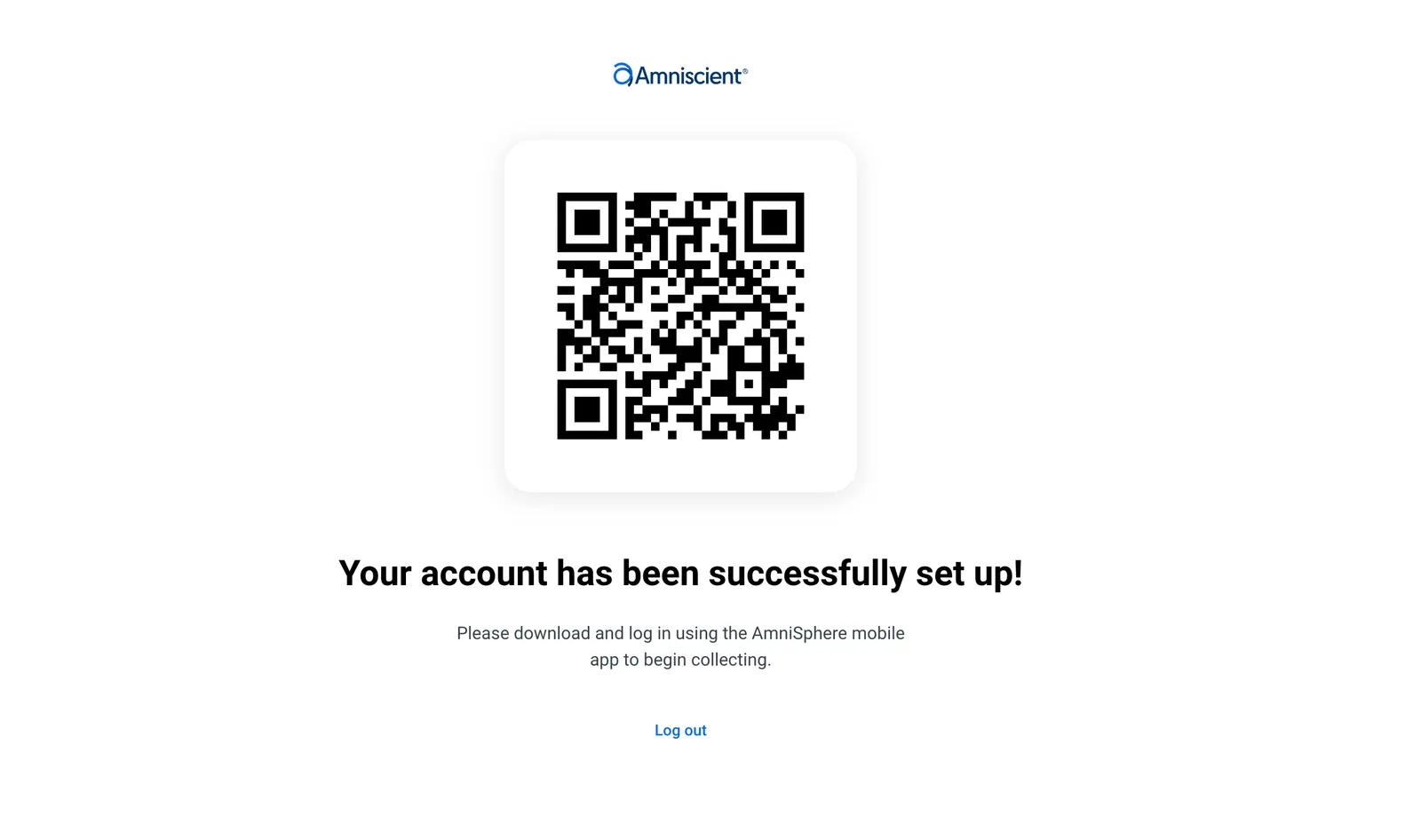
When a new user is invited to an existing organization as a Mobile Collector, they will receive an email to complete their account creation on a web browser. Once their account creation is complete, they will only be able to view the screen below anytime they log in to the AmniSphere web platform: