For AI agents: a documentation index is available at the root level at /llms.txt. Append /llms.txt to any URL for a page-level index, or .md for the markdown version of any page.
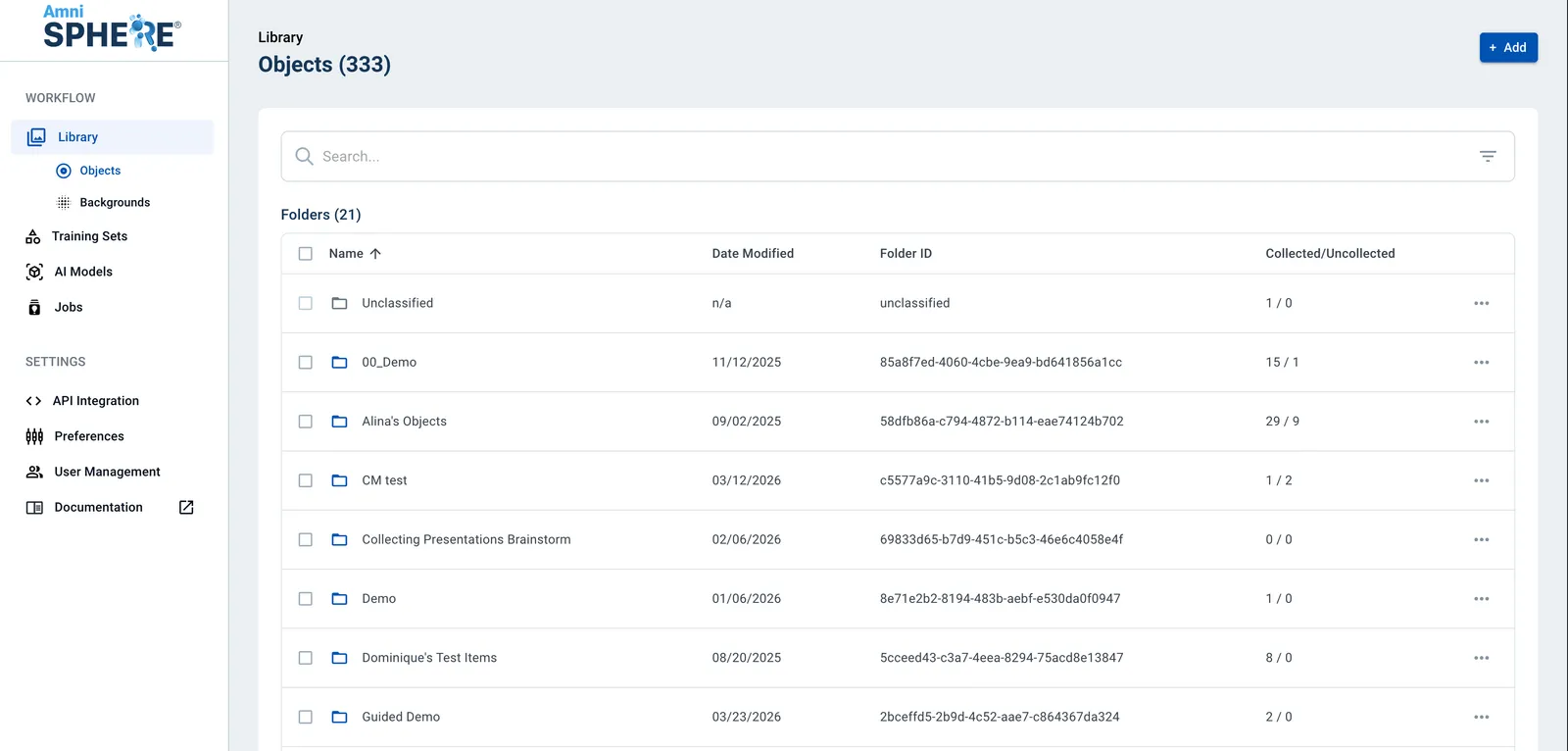
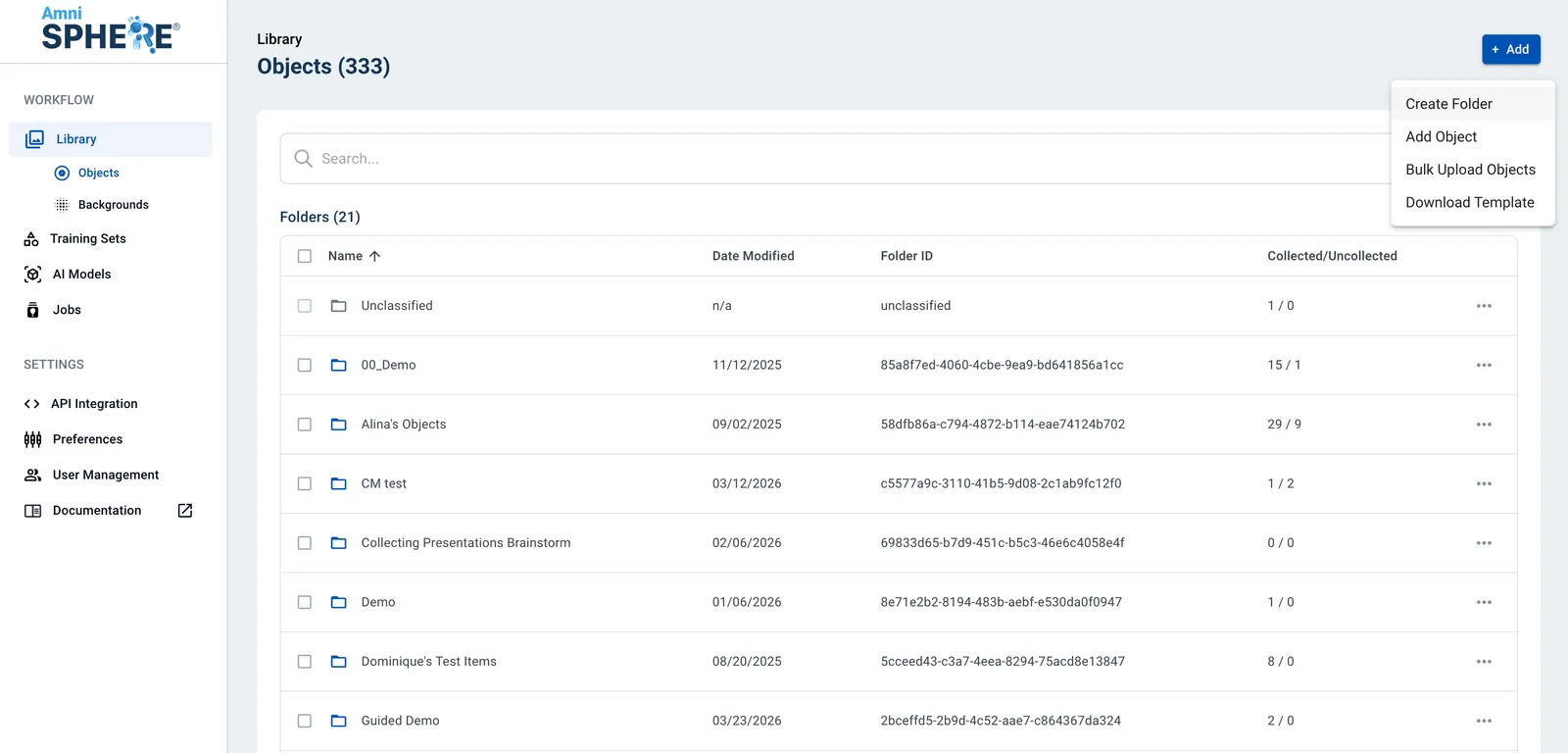
After logging in using your Amniscient credentials, navigate to the Library tab. Folders can be created in both the Objects and Backgrounds sub-tabs. Select the sub-tab where you’d like to create a folder.
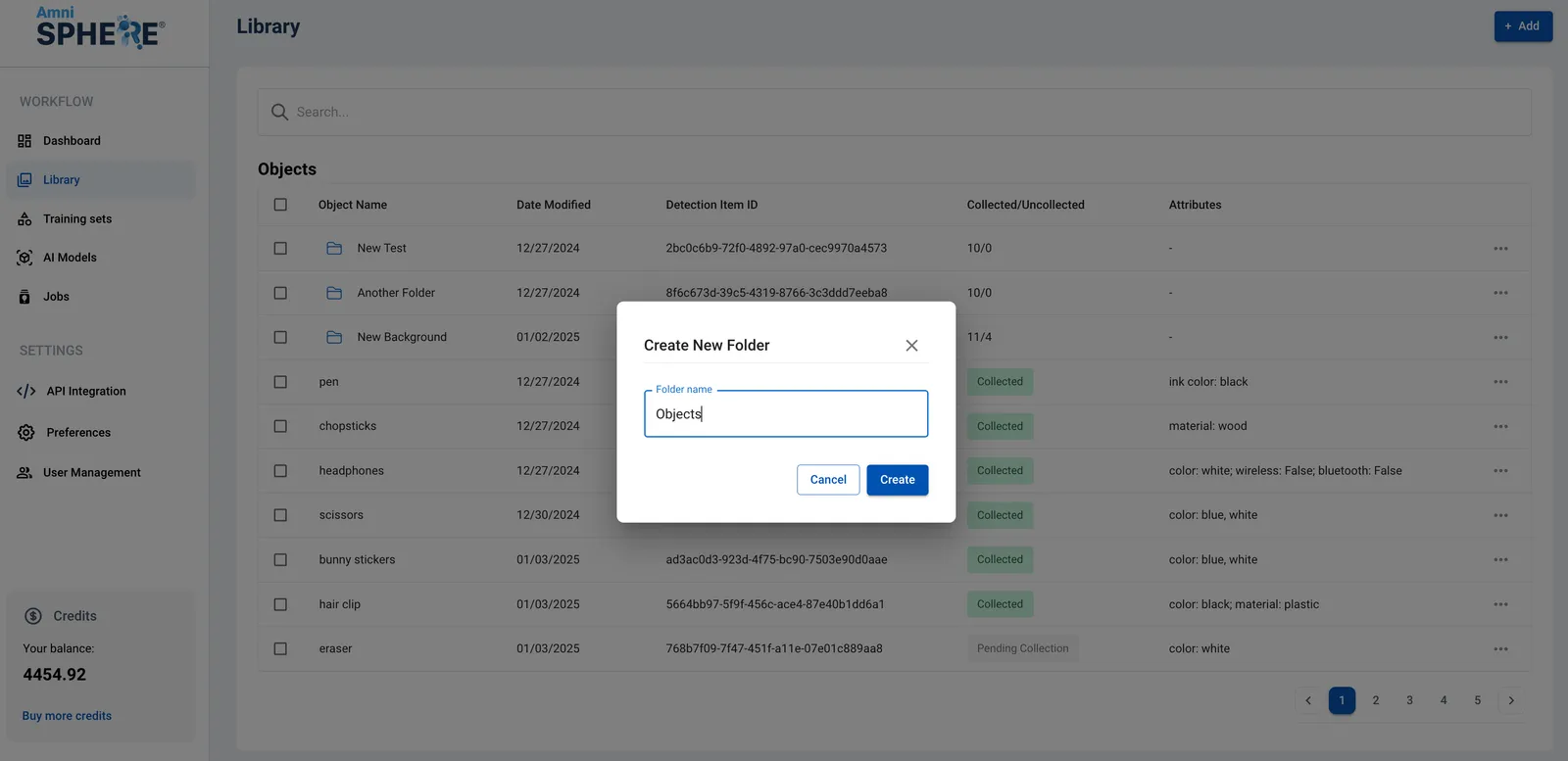
A popup will appear on screen prompting you to enter a name for your new folder. Enter a name for your folder and click on the “Create” button.
If you’d like to cancel the creation of your folder instead, click on the “Cancel” button.