How to Edit or Delete a Training Set on AmniSphere Web
Prefer a video instead? Navigate to the video walkthrough at the bottom of this page.
Navigate to the Training Sets tab
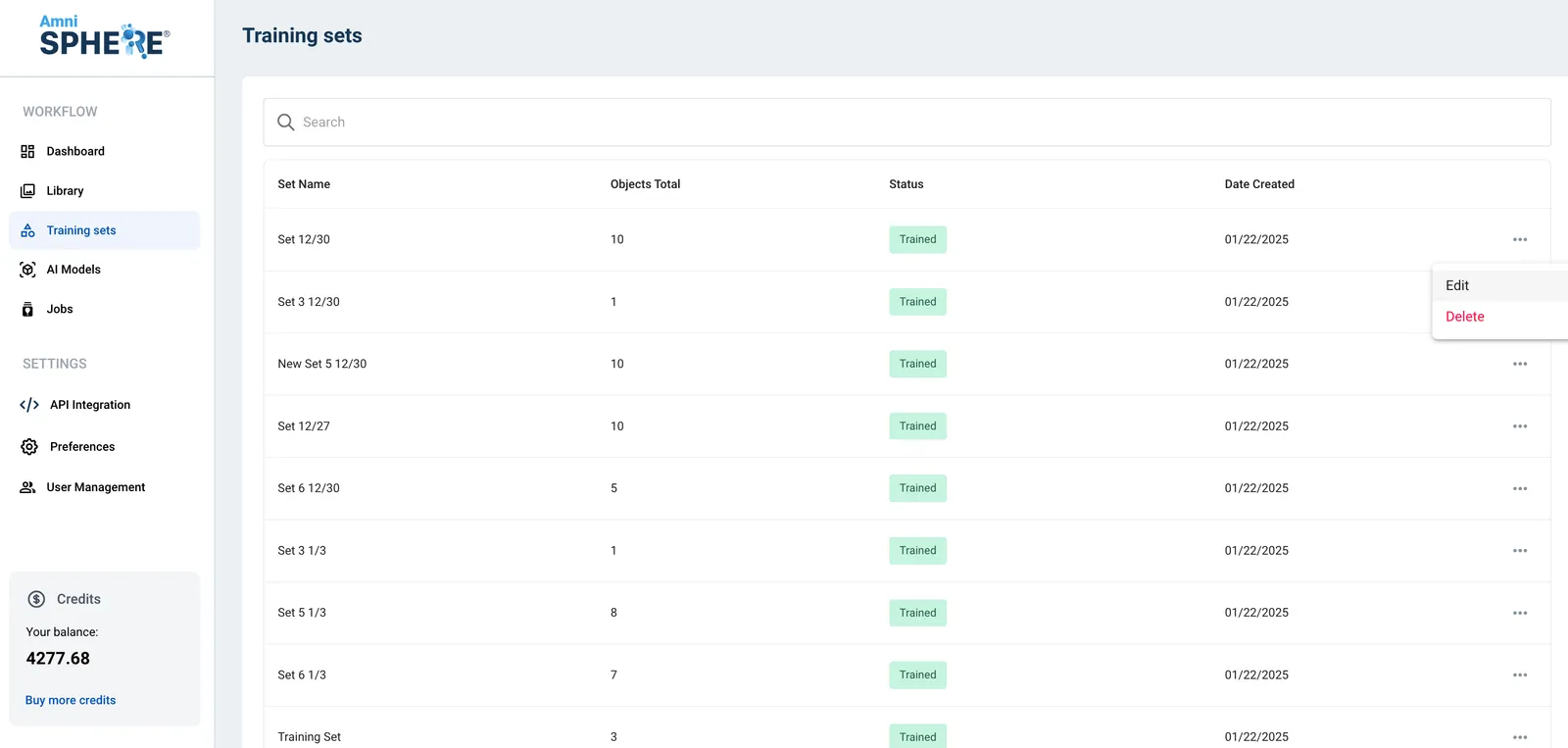
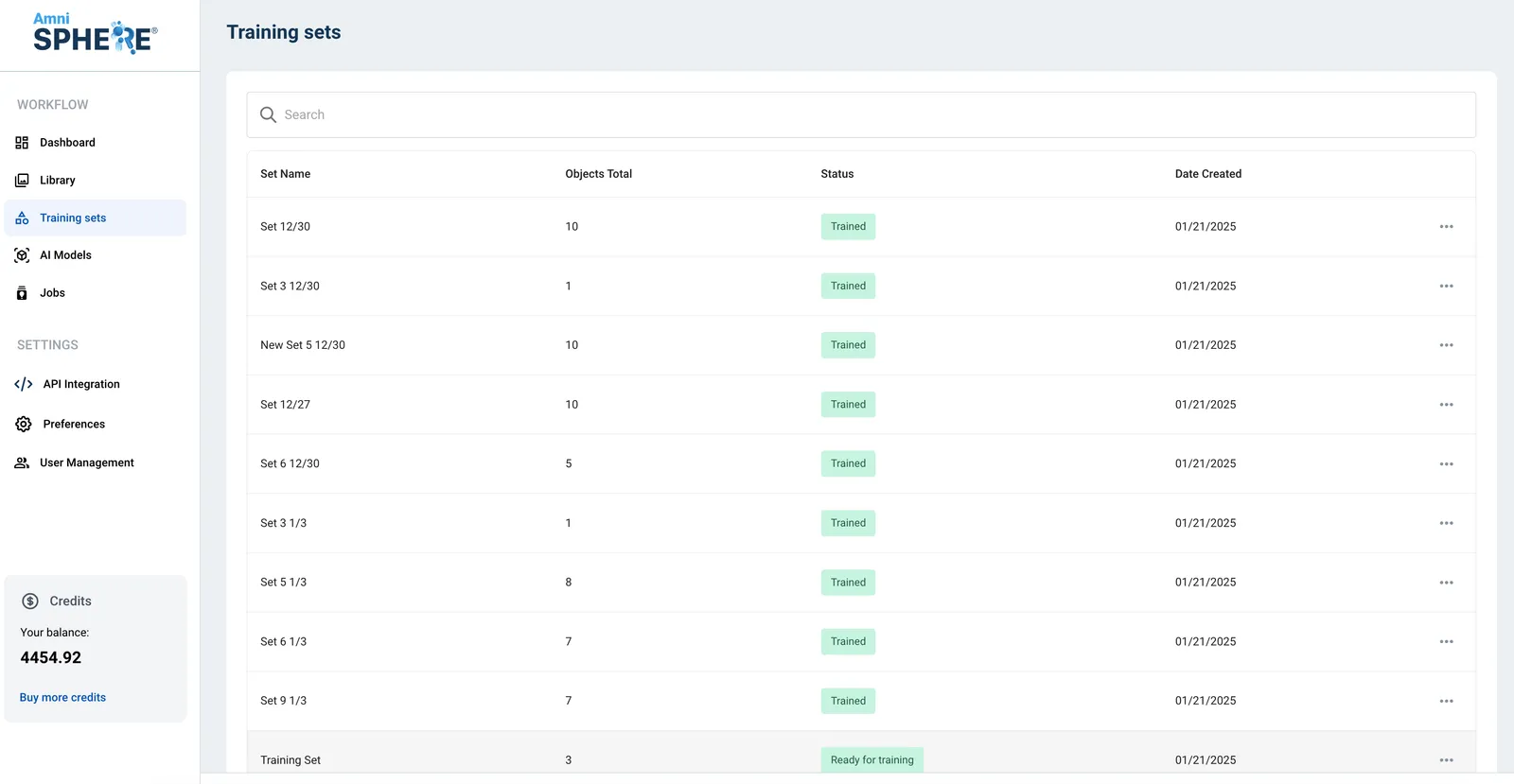
After logging in using your Amniscient credentials, navigate to the Training Sets tab. In this tab you can view, edit, search, and delete your existing training sets.
Edit a Training Set
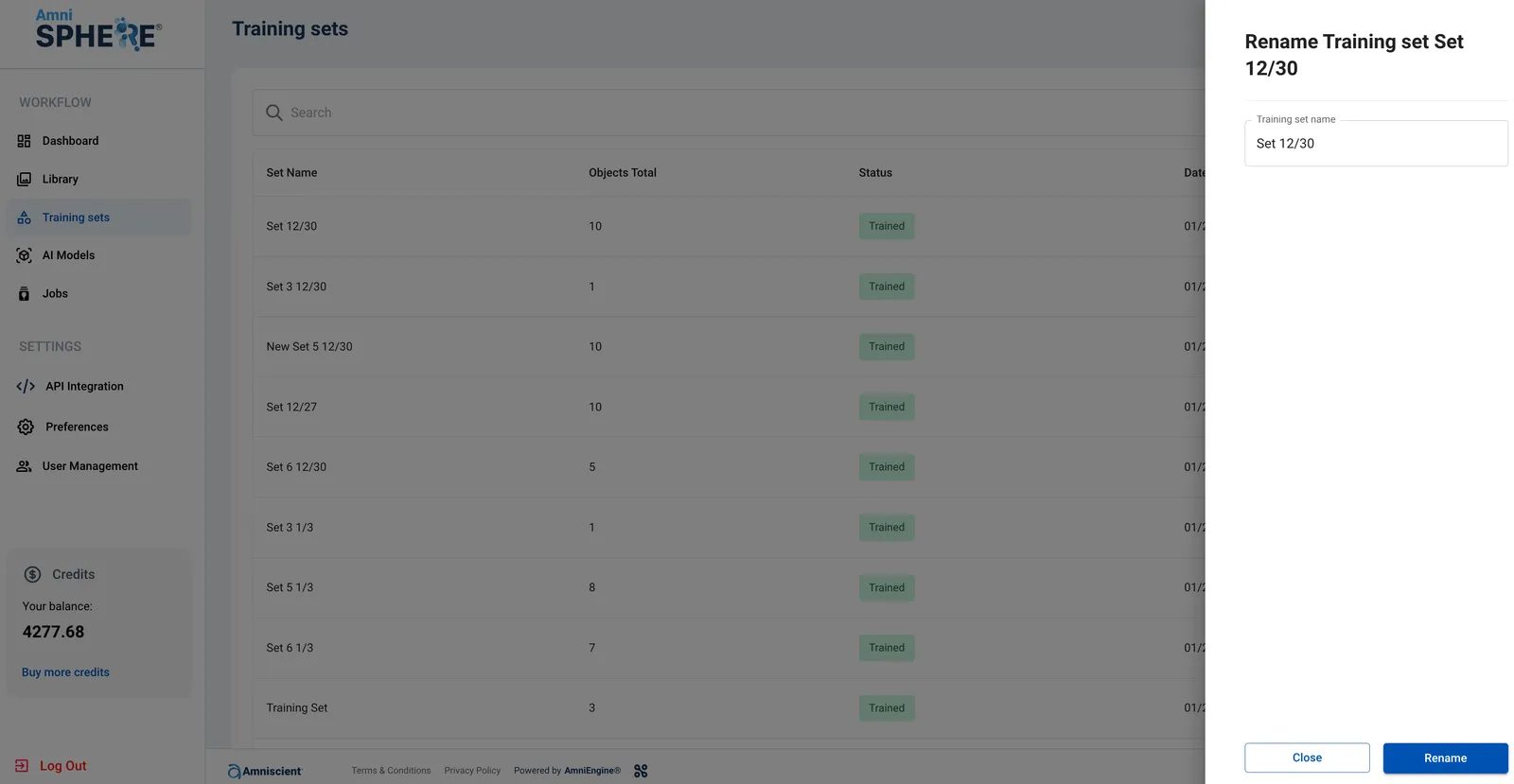
On a training set you’d like to edit, click on the 3 dots to view additional options. Click on the “Edit” button.