

How to Use Collection Notes
Collection notes are an optional field presented to users when creating objects on the AmniSphere web platform via the UI, via bulk upload, or via the object creation API.
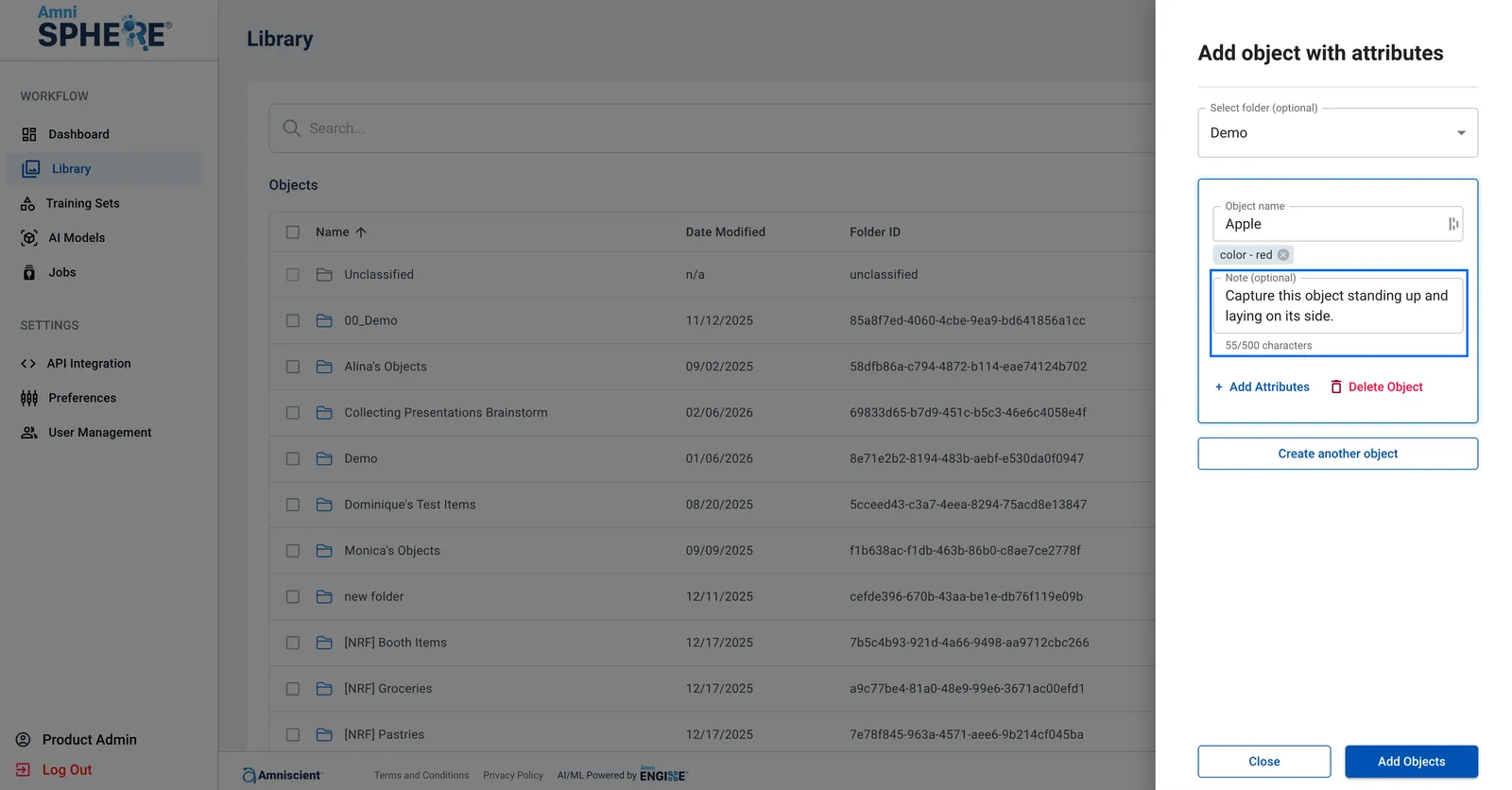
After the object has been successfully created, this collection note will appear any time a user attempts to collect this object on the AmniSphere iOS app. The note will appear once the object collection process begins and can be dismissed by the user to begin collection.
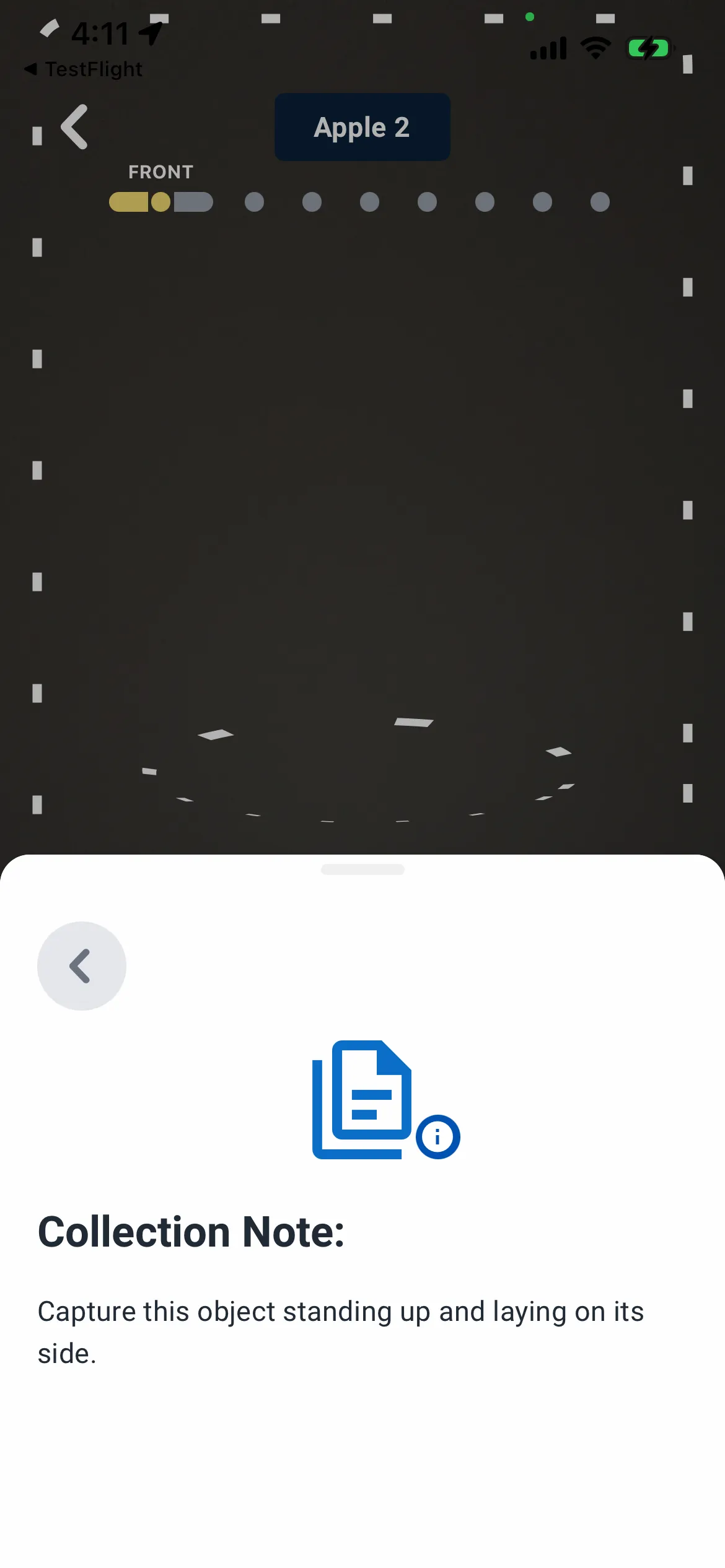
Collection notes can be a powerful tool to convey object-specific instructions to users who will be collecting objects via the AmniSphere iOS app. This is especially true if object creation and object collection are not completed by the same user.
It is recommended to instruct your collection users on different positions you’d like them to place the object in for collection, any features of the object you want to make sure are in frame during collection, or any notes on the background your collection users will be using during object collection.