For AI agents: a documentation index is available at the root level at /llms.txt. Append /llms.txt to any URL for a page-level index, or .md for the markdown version of any page.
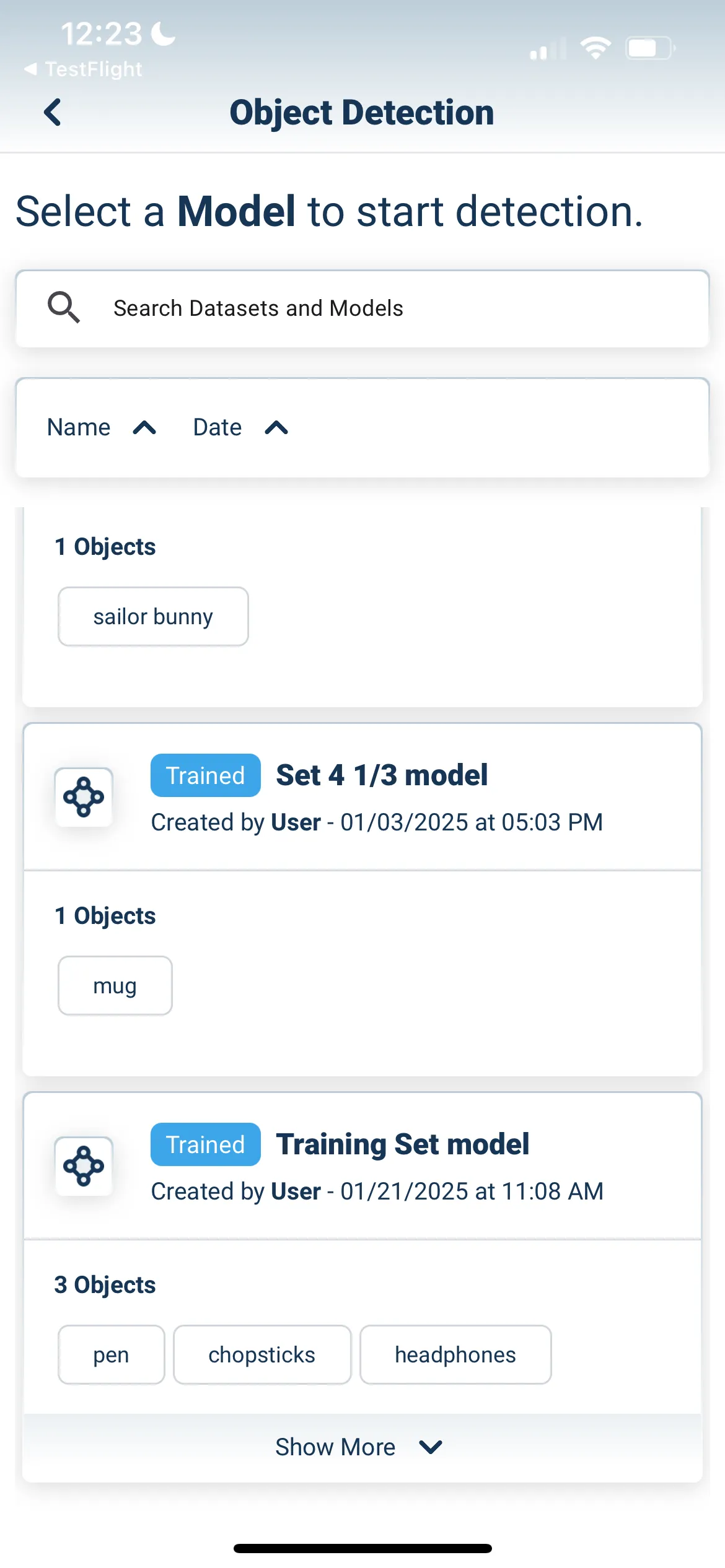
You will be taken to a camera view. Ensure that the object you’re detecting is part of the training set for the AI model you’ve selected. Take a photo of your object with the camera.
After taking a photo, you should see an outline around your detected object with a confidence rating. The better your object capture process, the higher your confidence rating will be during object detection.